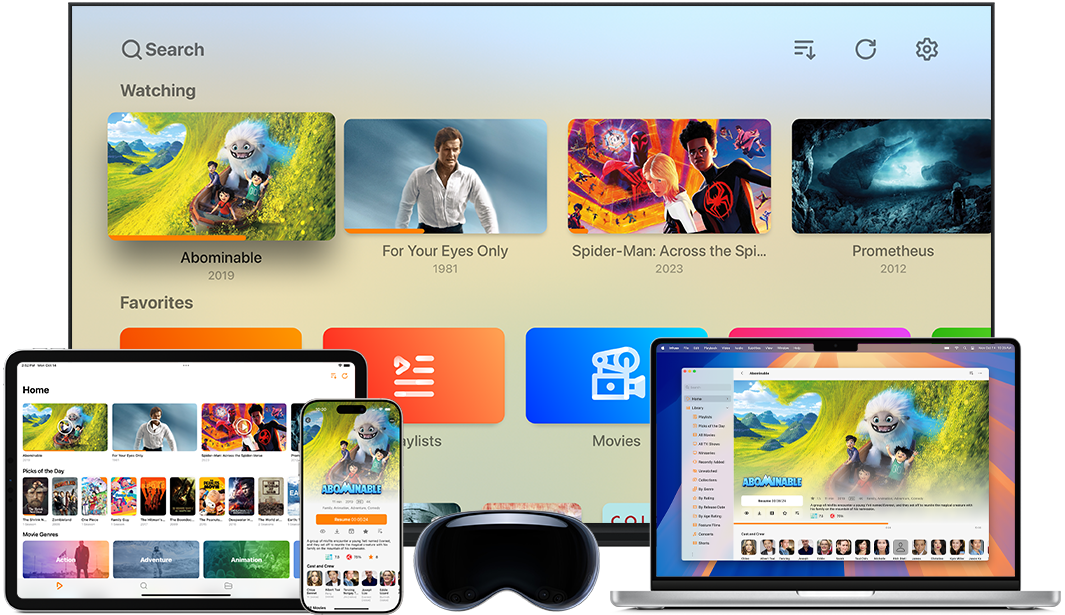
We recommend the app Infuse for playback on Apple devices, like the Apple TV 4K. It's fully capable of playing back the 4K H.265 video and Hi-Res Stereo, Hi-Res 5.1 Surround and Dolby Atmos (E-AC3) audio tracks found on the Headphone Dust MKV files.
Please note: Dolby TrueHD Atmos is NOT supported on Infuse Pro. Infuse Pro will decode the Dolby TrueHD Atmos track internally and send it to your receiver as LPCM 7.1. While this is "lossless" and does sound pretty good, you will lose the Atmos height metadata (your receiver will display "PCM" or "Multi-CH"). Apple TV 4K handles audio differently than other streamers as it does not support "Bitstream Passthrough" required for Dolby TrueHD Atmos playback.
-
Recommended Settings: Go to Apple TV Settings > Video and Audio > Audio Format. Ensure this is set to Auto.
-
Best Experience: If you want the "Atmos" logo to light up on your receiver while using Apple TV, select the Dolby Atmos (E-AC3) track in your Headphone Dust MKV. Apple TV supports Atmos natively via this specific "streaming" format, with object height data retained!
Dolby Atmos
Infuse supports Dolby Atmos when using E-AC3 audio track that is included in our Headphone Dust MKV files. To take full advantage of this, an Apple TV connected to a Dolby Atmos capable device (such as an AV receiver, soundbar, or other audio device) is recommended. Please note: An active subscription to Infuse Pro is required to enable Dolby Atmos playback.
Audio Output Settings (tvOS)
Audio settings on the Apple TV can be adjusted through Apple TV > Settings > Video and Audio > Audio Format.
-
Auto (recommended): Audio will be sent as uncompressed, multi-channel LPCM (up to 7.1 channels and 24-bit)
-
Dolby Digital 5.1: Audio will be sent as Dolby Digital AC3 (5.1 channels and 16-bit)
-
Stereo: Audio will be sent as stereo (2.0 channels)
The Apple TV does not currently support 96khz sample rates, but if these are played in Infuse they will automatically be converted to 48KHz. Note: Dolby TrueHD audio tracks included in the Headphone Dust MKV files are encoded at 48KHz.
Are the Hi-Res Stereo and Hi-Res 5.1 Surround tracks in the Headphone Dust MKV supported on Infuse?
Yes! Infuse will pass these formats as multi-channel LPCM.