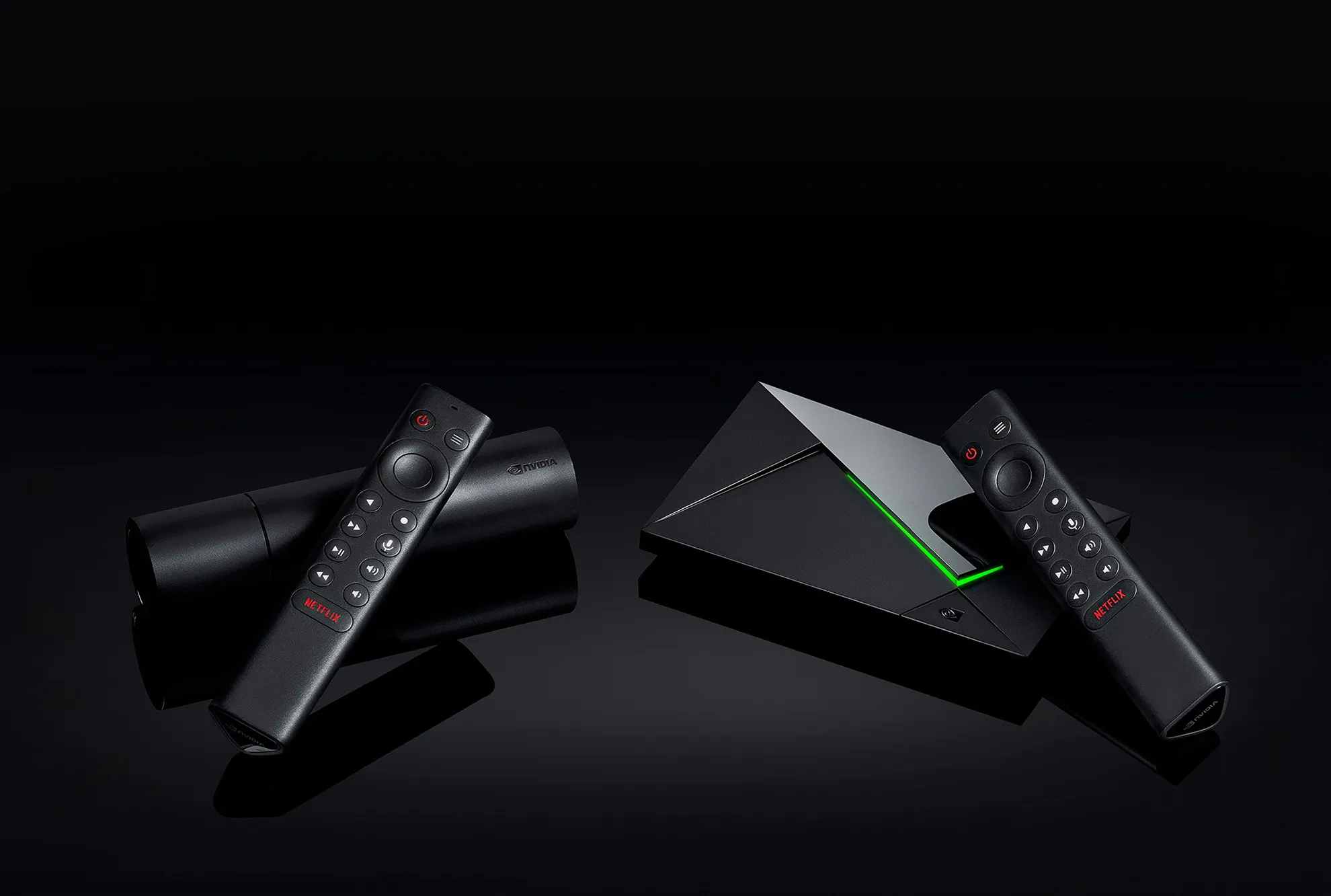
The Nvidia Shield TV Pro (2019) remains the gold standard for playing MKV files with advanced audio formats. SHIELD TV supports our Dolby Atmos (E-AC3) and Dolby TrueHD Atmos audio tracks over HDMI.
Here's how to enable audio passthrough on Nvidia Shield to enable Dolby TrueHD Atmos capability:
System Audio Settings: Go to Settings > Device Preferences > Display & Sound > Advanced sound settings.
-
Set "Available formats" to Auto (or Manual and ensure Dolby TrueHD and DTS-HD are checked).
-
Enable "Match content audio resolution" to ensure 96kHz files aren't downsampled to 48kHz.
-
App-Specific Settings (Plex/Kodi): * In Plex: Go to Settings > Advanced > Passthrough and set it to HDMI.
- In Kodi: Go to Settings > System > Audio. Enable "Allow passthrough" and specifically check the box for "TrueHD capable receiver."
-
Physical Connection: The Shield must be plugged directly into an HDMI input on your AV Receiver or Soundbar. Plugging it into the TV first may result in the TV "stripping" the Atmos metadata before it reaches your speakers. More help on that below!
NOTE: If your receiver or HDMI TV does not have the capability to decode the streams, then there may not be any audio.
NOTE: Make sure your receiver has been updated with the latest firmware. In some cases, this can resolve compatibility or audio/video issues.
(I) Recommended setup: SHIELD > AVR > TV
-
Connect your SHIELD TV to a receiver with an HDMI cable.
-
Plug another HDMI cable from your receiver's HDMI OUT port to the TV.
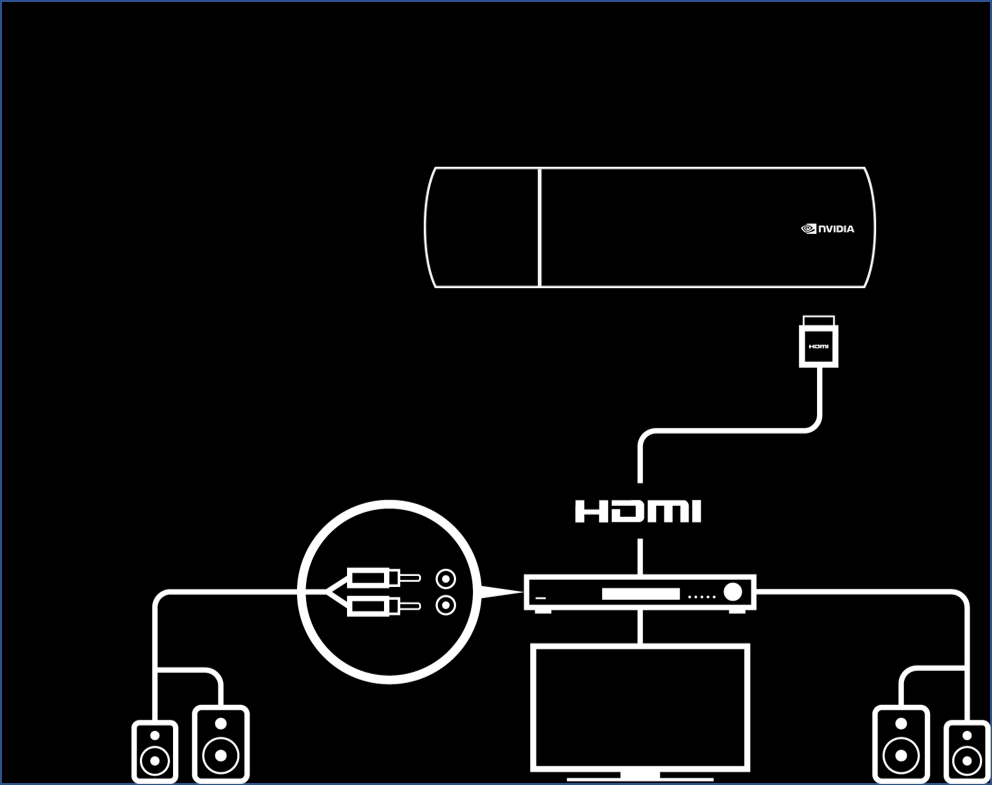
NOTE: If you have a 4K or HDR TV, you must attach HDMI 2.0 compatible cables between both the SHIELD and the AVR and between the AVR and the display. Your AVR must also be compatible with HDMI 2.0 (HDCP 2.2) signal.
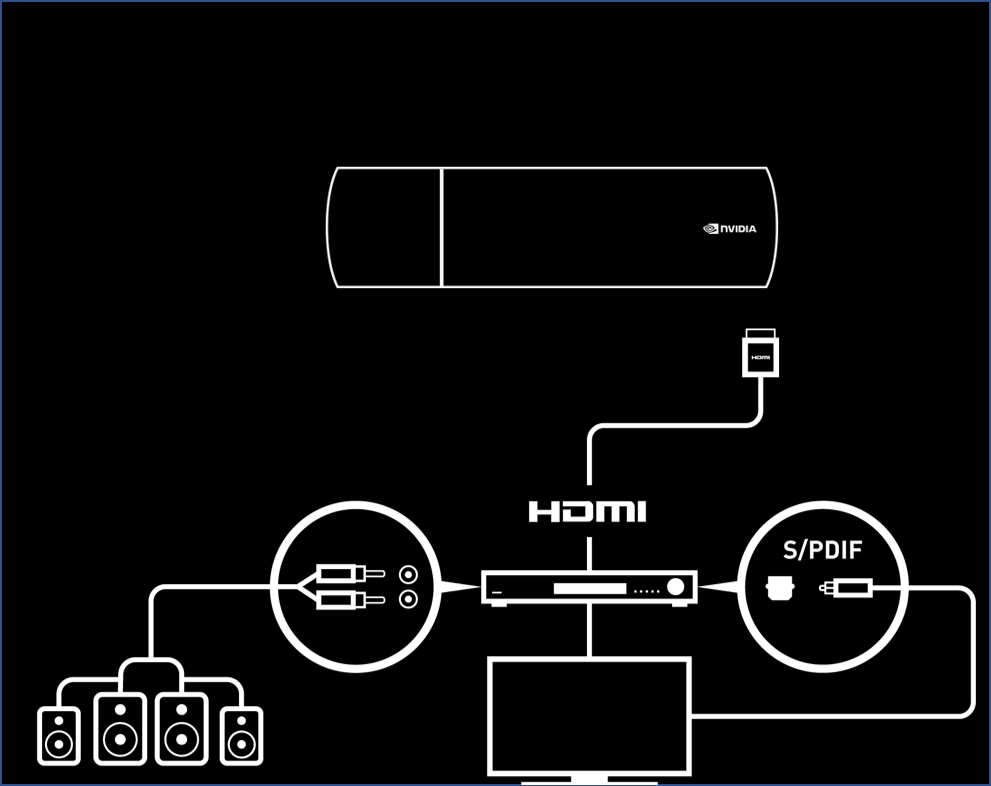
(II) Soundbar or legacy AVR: SHIELD > TV > AVR
**WARNING:**This configuration should only be used if your Soundbar or AVR does not support 4K, HDR or Dolby Vision. Your soundbar must support Dolby Digital.
-
Connect your SHIELD TV to a TV with an HDMI cable.
-
Connect TV to the receiver using Optical SPDIF or HDMI Audio Return Channel (HDMI-ARC)
-
Under Settings > Device Preferences > Display & Sound > Advanced sound settings > Available formatsselect Manual and disable all Dolby formats except AC3.